* All product/brand names, logos, and trademarks are property of their respective owners.
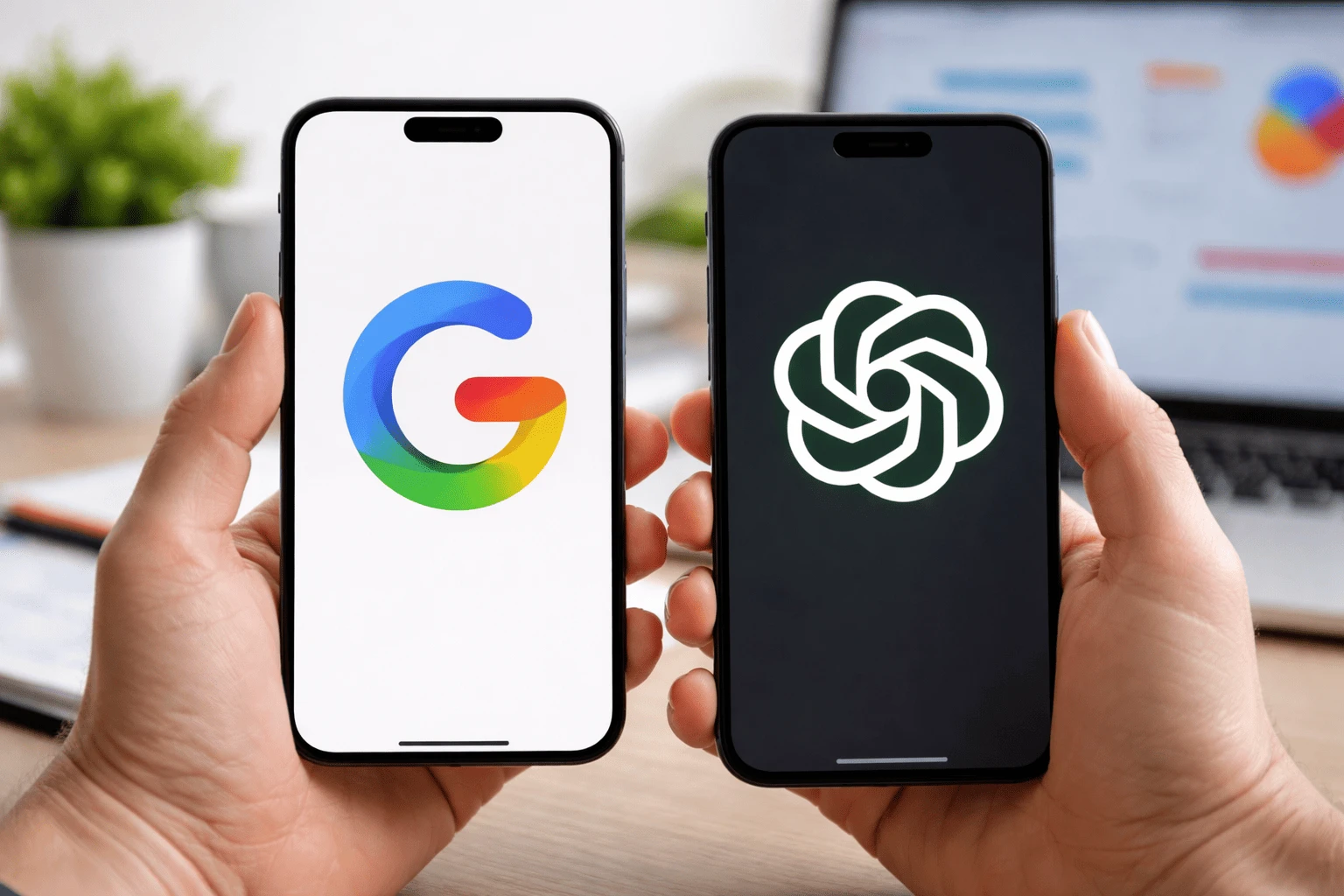
AI chatbots have quickly become part of everyday work, from writing content and answering questions to helping with coding and research. Among the top tools leading this space are Google Gemini and ChatGPT.
If you’re trying to decide between them, the choice isn’t always obvious. Both are powerful, constantly evolving, and backed by tech giants — but they don’t work the same way in real-world use.
This guide breaks down Google Gemini vs ChatGPT: key differences explained in a clear, practical way. Instead of just listing features, we’ll look at how each tool performs in actual tasks like writing, coding, and research — so you can choose the one that fits your needs.
| Feature | Google Gemini | ChatGPT |
|---|---|---|
| Company | OpenAI | |
| Best known for | Tight Google ecosystem integration | Strong writing, reasoning, and flexible task handling |
| Works well with | Gmail, Docs, Sheets, Slides, Drive, Meet, and the Gemini app | ChatGPT chats, Projects, file uploads, voice, and built-in tools |
| Real-time usefulness | Strong for tasks connected to Google services and live web-style workflows | Strong for structured answers, brainstorming, writing, and multi-step work |
| Writing quality | Good for everyday drafting and Workspace-based content | Often stronger for polished long-form writing and tone control |
| Coding help | Helpful for technical prompts and Google-linked workflows | Generally stronger for debugging, explaining code, and iterative coding tasks |
| Multimodal features | Supports multimodal use across Gemini apps and Workspace experiences | Supports text, files, images, and voice, with broader task-focused workflows |
| Collaboration style | Best for people already working inside Google’s tools | Best for users who want a flexible all-purpose AI workspace |
| Good choice for | Students, Workspace users, Google-heavy teams | Writers, freelancers, developers, researchers |
| Paid value | Especially useful if you already rely on Google Workspace | Especially useful if you want deeper reasoning, projects, and broader workflow support |
If you already live inside Gmail, Google Docs, Sheets, and Drive, Gemini feels more built into your daily routine. Google positions it as an AI layer across Workspace, with access to the Gemini app, NotebookLM, and AI features inside its productivity tools.
ChatGPT feels more like a flexible AI work hub. OpenAI describes it as a tool for drafting, reasoning, summarizing, solving problems, and working with files and ongoing projects. Its Projects feature also makes it useful for longer, more organized work such as writing, research, and planning.
For many readers, the easiest way to think about it is this:
Google Gemini is Google’s advanced AI model designed to work across its ecosystem — from search to productivity tools like Gmail, Docs, and Sheets.
It evolved from Google Bard, but Gemini is much more than just a chatbot. It’s built as a multimodal AI system, meaning it can understand and work with different types of input like text, images, and files.
Deep Google integration
Works directly inside tools that many people already use:
Real-time and web-connected responses
Gemini is designed to stay closely connected with Google’s search ecosystem, which makes it useful for:
Multimodal capabilities
You can interact with Gemini using:
Seamless productivity workflow
Instead of switching tools, Gemini often works inside the apps you’re already using.
Gemini is especially useful if your workflow already depends on Google products. For example:
It’s less about being a standalone “AI workspace” and more about enhancing the tools you already use daily.
Want to explore more about Gemini? Read our guide: How the Gemini 3 Update Affects Google Search Rankings.
ChatGPT is an AI chatbot developed by OpenAI, designed to help with a wide range of tasks — from writing and coding to research and problem-solving.
Unlike tools that are tied to a specific ecosystem, ChatGPT works more like a flexible AI workspace. You can use it for quick questions, deep thinking tasks, or ongoing projects — all in one place.Key Strengths of ChatGPT
Strong writing and communication skills
ChatGPT is widely used for:
It’s especially good at adjusting tone — whether you want something professional, casual, or persuasive.
Advanced reasoning and problem-solving
ChatGPT handles:
This makes it useful for both simple tasks and deeper work.
Coding and technical support
It’s a popular choice among developers for:
Project-based workflows
ChatGPT allows users to manage longer tasks more effectively:
Multimodal capabilities
Depending on access, ChatGPT supports:
ChatGPT is ideal if you want a tool that can handle multiple types of work in one place.
For example:
Moreover want to understand GPT-5? Check out What is GPT-5? The Next Leap in AI Explained
To make the decision clearer, here’s a straightforward look at where each tool shines — and where it falls short.
| Tool | Pros | Cons |
|---|---|---|
| Google Gemini | • Seamless integration with Gmail, Docs, Sheets, Drive • Fast for quick tasks and summaries • Feels connected to real-time information • Easy to use for beginners | • Less reliable for long-form, polished writing • Not as strong in deep reasoning tasks • Limited for advanced coding |
| ChatGPT | • High-quality writing and content creation • Strong reasoning and step-by-step explanations • Excellent for coding and technical tasks • Flexible, all-in-one AI tool | • Not deeply integrated into external apps like Google Workspace • Real-time info can vary depending on usage • Can feel overpowered for very simple tasks |
Here’s how Google Gemini vs ChatGPT compare when it comes to pricing and what you actually get for free vs paid plans.
| Feature | Google Gemini | ChatGPT |
|---|---|---|
| Free Plan | Yes | Yes |
| Paid Plan | Gemini Advanced (via Google One AI plans) | ChatGPT Plus / Pro |
| Free Access Includes | Basic chatbot features, limited advanced capabilities | Access to core features with usage limits |
| Paid Benefits | More powerful models, deeper Workspace integration | Better models, faster responses, advanced tools, more usage |
| Best Value For | Google Workspace users | Writers, developers, power users |
Gemini’s value increases if you already use Google services like Gmail, Docs, and Drive. The paid plan makes those tools smarter rather than adding a separate workspace.
ChatGPT’s paid plans focus on giving you a more powerful AI experience overall, especially for:
| User Type | Choose Google Gemini | Choose ChatGPT | Best Pick |
|---|---|---|---|
| Students | Quick summaries, Google Docs help, simple tasks | Deep explanations, concept understanding, step-by-step learning | ChatGPT (learning), Gemini (quick tasks) |
| Freelancers | Basic drafts inside Google Workspace | High-quality content, proposals, client work | ChatGPT |
| Content Creators | Quick drafts and ideas | Blog writing, storytelling, editing, tone control | ChatGPT |
| Developers | Simple code snippets, quick help | Debugging, explanations, complex coding tasks | ChatGPT |
| Casual Users | Fast answers, Google app users | More detailed responses, flexible usage | Depends (speed vs depth) |
Gemini can handle many everyday tasks, especially if you:
In these cases, you might not feel the need for ChatGPT at all.
ChatGPT is harder to replace when it comes to:
These are areas where Gemini still feels more limited.
Instead of replacing each other, many users actually benefit from using both:
When comparing Google Gemini vs ChatGPT, the “better” choice really depends on how you plan to use AI.
If your goal is speed and seamless integration with tools you already use, Gemini is a strong option. But if you care more about high-quality writing, deeper thinking, and handling complex tasks, ChatGPT clearly has the edge.
For most users, it’s not about picking a winner — it’s about picking the right tool for the job.

I am Zeenat, an SEO Specialist and Content Writer specializing in on-page and off-page SEO to improve website visibility, user experience, and performance.
I optimize website content, meta elements, and site structure, and implement effective off-page SEO strategies, including link building and authority development. Through keyword research and performance analysis, I drive targeted organic traffic and improve search rankings.
I create high-quality, search-optimized content using data-driven, white-hat SEO practices, focused on delivering sustainable, long-term growth and improved online visibility.
The MacBook Pro has built a reputation that few laptops can match. For some, it’s the ultimate
17 April 2026
Digital transformation has become one of the most talked-about priorities for modern businesses. Org
9 February 2026
In today’s fast-paced business world, staying competitive means being faster, more efficient,
16 January 2026
Be the first to share your thoughts
No comments yet. Be the first to comment!
Share your thoughts and join the discussion below.


.webp&w=3840&q=75)