Waqar Azeem

Google Ads Mastery
Merchant Center & Shopping Ads
AdSense & Monetization
Analytics & Insights
Conversion Strategy & ROI
Search & SEO Tools
Digital Marketing
How-To Guides
Google Updates & News
Monday, February 23, 2026
Waqar Azeem
Waqar Azeem

Waqar Azeeem offers expert guidance on Google tools—from Ads, Merchant Center, and AdSense to Analytics, SEO, and automation. Explore practical tips, updates, and strategies across key areas like digital marketing, monetization, ROI, and performance tracking to grow your online presence.

Follow us

Categories

  • Google Ads Mastery
  • Merchant Center & Shopping Ads
  • AdSense & Monetization
  • Conversion Strategy & ROI
  • Search & SEO Tools
  • Digital Marketing
  • How-To Guides
  • Google Updates & News

Policies

  • About
  • Get inTouch Waqar Azeem
  • Privacy Policy
  • Terms & Conditions
  • Disclaimer

Newsletter

Subscribe to Email Updates

Subscribe to receive daily updates direct to your inbox!

*We promise we won't spam you.

*All content on Waqar Azeem is for educational and informational purposes only.

© 2026 Waqar AzeembyTetraseven

HomeGoogle Ads MasteryGoogle Ads in AI Mode: How to Use New Features

Google Ads in AI Mode: How to Use New Features

ByMusharaf Baig

20 February 2026

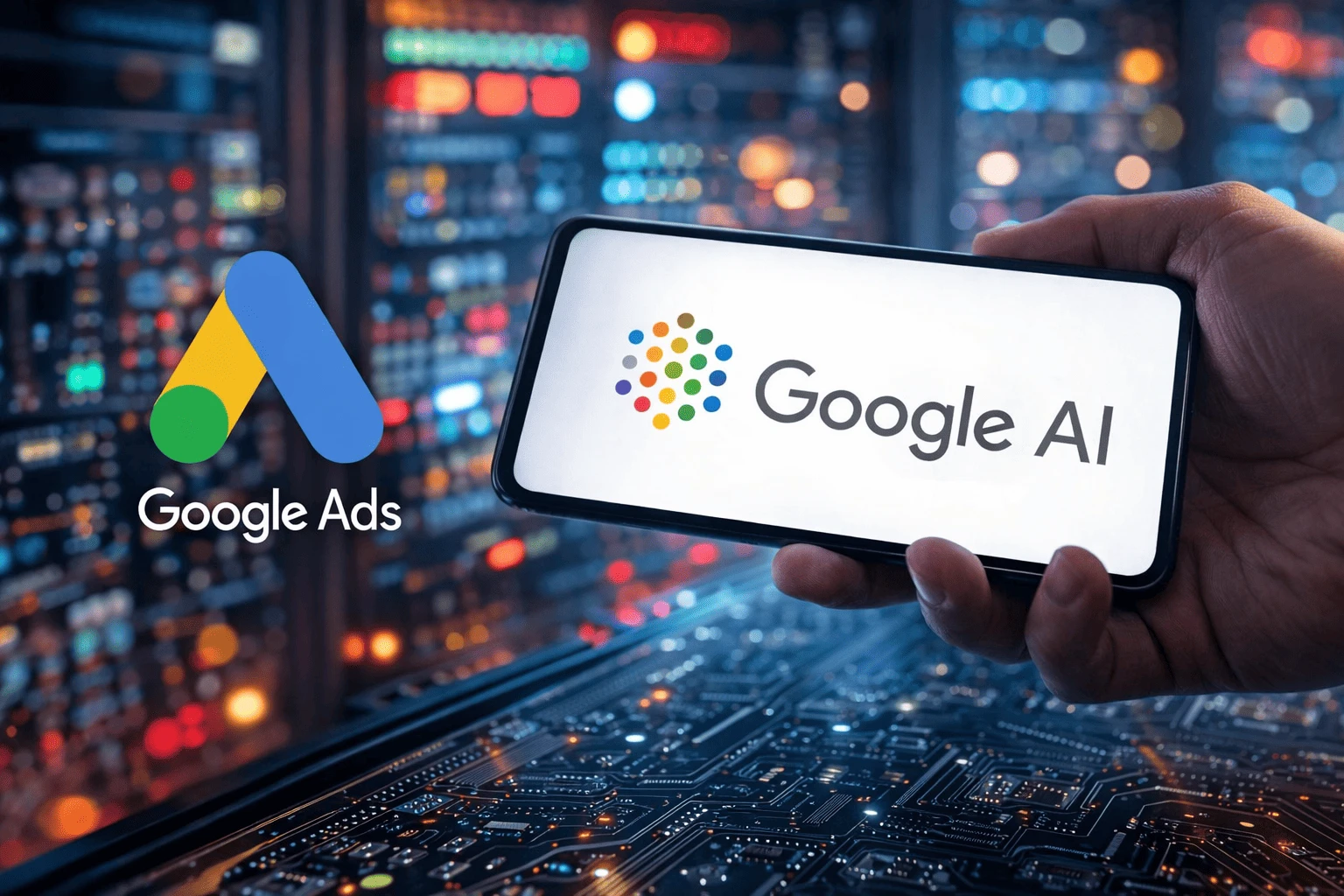
Google Ads in AI Mode: How to Use New Features

* All product/brand names, logos, and trademarks are property of their respective owners.

3

views


FacebookTwitterPinterestLinkedIn

In 2026, Google Ads isn’t just about keywords anymore. It’s an AI-driven ecosystem that understands intent, predicts behavior, and can even complete purchases without sending users to your site. Exact match and manual bids? That era’s fading fast.

Ads now appear inside AI Overviews, conversational search, and zero-click checkout experiences. Most advertisers either misuse these tools or ignore them completely.

Here’s what you actually need to focus on:

  • Enable AI Max properly

  • Use Gemini-powered campaign building

  • Activate AI Mode Checkout

  • Optimize for AI Overview placements

  • Create smarter assets with Asset Studio

  • Strengthen tracking via Google Data Manager

  • Monitor insights using Ads Advisor

AI Mode isn’t optional anymore.

What Google Ads “AI Mode” Means in 2026 (And Why It Changes Everything)

AI Overviews + Search Live: The New Ad Real Estate

In 2026, ads don’t just sit above blue links anymore. Google now places them inside AI-powered conversations—especially in AI Overviews and Search Live. When someone asks a detailed question, Google generates a summary answer, and your ad can appear within that response. The difference? User intent is deeper. Instead of typing “men’s running shoes size 10,” someone might ask for the best shoes for flat feet under $120 for daily jogging. Google’s AI reads the full context—budget, purpose, urgency—and matches ads accordingly. Placement is now about meaning, not keywords. Feed the AI strong signals, and you win premium visibility.

From Manual PPC to Intent-Led Advertising

The biggest mindset shift is this: you’re no longer controlling everything manually—you’re guiding a smart system.

Old-school PPC felt like this:

  • Pick keywords

  • Write ads

  • Control bids

  • Optimize based on search terms

AI Mode feels like this:

  • Give Google strong inputs

  • Let it discover demand

  • Let it adapt creatives

  • Optimize based on intent and outcomes

That’s why Google Ads AI features like AI Max, Smart Bidding, and Performance Max are becoming core tools—not optional add-ons. Google is basically saying: “Stop trying to predict every search. Instead, tell us what a successful customer looks like and what outcomes you want (ROAS, CPA, revenue). Then we’ll find the best opportunities.” The advertisers who win in 2026 are the ones who stop fighting automation and start training it with better assets, better tracking, and cleaner first-party data.

What’s Different From Old Automation (Smart Bidding Era vs AI Mode)

Smart Bidding was mainly about bidding decisions; Google used signals to decide how much to bid for a click. AI Mode goes much further.

With AI Mode, Google can:

  • Expand beyond your manual keywords using AI-powered search term discovery

  • Adapt your ad copy and asset combinations based on real-time intent

  • Select the most relevant landing page when asset optimization is enabled

  • Place ads inside AI-generated summaries, where the user is already “half convinced” by the AI answer

  • Enable native checkout, where a purchase happens without a website visit

So it’s not just bidding automation anymore. It’s a full system that connects: query meaning → creative → placement → purchase path.

If you understand this shift early, you can build campaigns that feel future-proof—because they’re designed for how people actually search now: conversational, fast, and intent-driven.

How to Use AI Mode Features (Step-by-Step Playbook for Results)

Step 1–2: Activate AI Max + Build Campaigns with the Conversational Experience

If you want to use Google Ads AI Mode effectively, start with the two features that change everything for Search: AI Max and the Gemini-powered conversational campaign builder.

Step 1: Enable AI Max for Search
AI Max is the central setting that enables Google to transition from strict keyword matching to intent-led expansion for conversational queries.

How to activate:
Go to Campaign Settings → select a Search campaign → toggle ON “AI Max.”

What it does (and why it matters):

  • Search Term Matching: Automatically discovers high-value queries beyond your manual keywords. This is huge for long, conversational searches.

  • Asset Optimization: Generates and adapts ad copy, and selects the most relevant landing page based on real-time user intent.

This is the fastest way to start using AI in Google Ads without rebuilding your account from scratch. It also pairs naturally with Google Ads automation tools like Smart Bidding.

Step 2: Use the Conversational Experience to build campaigns
Instead of manual setup, you can create a campaign by entering your landing page URL. The AI summarizes your offer, then suggests keywords, headlines, descriptions, and images (where relevant).

Then you refine it by chatting. Example prompts:

  • “Make these headlines more professional.”

  • “Focus on premium buyers.”

  • “Add more urgency, but keep it trustworthy.”

This saves time, and it often creates a stronger structure than a rushed manual build—especially for teams scaling globally.

Step 3–4: Win AI Placements + Unlock Zero-Click Sales with AI Mode Checkout

Now let’s talk about where the biggest opportunity is in 2026: AI placements and native checkout.

Step 3: Optimize for AI placements (AI Overviews)
To increase eligibility, rely less on a strict exact match. In AI Mode, the system needs flexibility, because it’s matching intent and context—not just keywords.

A reliable setup is:

  • Broad Match keywords

  • Smart Bidding (like Target ROAS or Max Conversions)

This combination helps Google discover more valuable queries and compete in more placements. Also, Performance Max matters here: PMax campaigns are automatically eligible for AI Overview-style placements because the system can match your products/services to the context in the summary.

Step 4: Enable AI Mode Checkout (Zero-click sales)
This is one of the most disruptive new features: users can purchase directly from an ad—without visiting your website.

Setup steps:

  • Enable the Universal Commerce Protocol in account settings

  • Connect your Merchant Center Next feed

  • Link a payment processor (like Stripe)

  • Create a campaign with a Sales goal → toggle Enable Native Checkout

For e-commerce brands, this can reduce drop-offs and speed up conversions. The key is to make sure your product feed is clean, and your tracking is solid because you’re measuring conversions in a newer flow.

Step 5 + Master Checklist: Creative, Data Foundation, and Monitoring

In AI-driven environments, creativity becomes the main lever. That’s why Google introduced tools like Asset Studio, where you can generate product scenes with text-to-image, remove backgrounds, and quickly produce variations without waiting on a full design cycle.

A best practice many advertisers ignore: don’t starve the AI. Give it enough options to learn. Aim for at least:

  • 20 headlines

  • 5 descriptions

This helps the system find the best combinations across different conversational intents, audiences, and placements.

Next, strengthen the AI’s decision-making with better data. Use Google Data Manager to unify first-party signals like CRM data and offline conversions. The more accurate your signals, the better your AI optimization becomes.

Finally, monitor smarter (not harder). Use Ads Advisor, Google’s in-platform AI assistant, and ask direct questions like:

  • “Why did my CPA spike last week?”

  • “What changed after I enabled AI Max?”

  • “Which assets are driving the best ROAS?”

This is how you truly optimize Google Ads with AI: better inputs, stronger assets, cleaner data, and faster insight loops.

Conclusion

Google Ads in 2026 isn’t the same game. AI Mode signals a shift to conversational, intent-driven, automated advertising. You don’t control it the old way—you guide it with smarter inputs.

Start simple:

  • Enable AI Max for Search

  • Build with Gemini’s conversational setup

  • Test AI Mode Checkout for products

  • Use Broad Match + Smart Bidding (Target ROAS works well)

  • Lean into Performance Max

  • Upload stronger creative via Asset Studio

  • Add first-party data through Google Data Manager

  • Review insights inside Ads Advisor

Pick one campaign, turn on AI Max, refresh assets, and track results. Early testers win.

Related Article
How Google Ads Is Using AI: Everything You Need to Know

Tags:AIGoogle AdsPerformance MaxAI Powered SearchAI MaxAsset Studio
Musharaf Baig

Musharaf Baig

View profile

Mushraf Baig is a content writer and digital publishing specialist focused on data-driven topics, monetization strategies, and emerging technology trends. With experience creating in-depth, research-backed articles, He helps readers understand complex subjects such as analytics, advertising platforms, and digital growth strategies in clear, practical terms.

When not writing, He explores content optimization techniques, publishing workflows, and ways to improve reader experience through structured, high-quality content.

Related Posts

When to trust Google Ads AI and when you shouldn’tGoogle Ads Mastery

When to trust Google Ads AI and when you shouldn’t

23 February 2026

5 Proven Google Performance Max Tips to Generate High-Quality Leads FastGoogle Ads Mastery

5 Proven Google Performance Max Tips to Generate High-Quality Leads Fast

19 January 2026

How Google Ads Is Using AI: Everything You Need to KnowGoogle Ads Mastery

How Google Ads Is Using AI: Everything You Need to Know

9 January 2026

Double Your Google Ads Clicks Fast with These 5 Insider HacksGoogle Ads Mastery

Double Your Google Ads Clicks Fast with These 5 Insider Hacks

17 December 2025

Comments

Be the first to share your thoughts

No comments yet. Be the first to comment!

Leave a Comment

Share your thoughts and join the discussion below.

Popular News

How to Optimize Google Shopping Product Types for Maximum ROAS

How to Optimize Google Shopping Product Types for Maximum ROAS

23 February 2026

When to trust Google Ads AI and when you shouldn’t

When to trust Google Ads AI and when you shouldn’t

23 February 2026

AI Agents in Crypto: Real Use Cases Beyond the Hype

AI Agents in Crypto: Real Use Cases Beyond the Hype

20 February 2026

How to Write Blog Posts That Rank on Google (Proven Step-by-Step Framework)

How to Write Blog Posts That Rank on Google (Proven Step-by-Step Framework)

10 February 2026

How Tool Integration Powers Modern Digital Transformation for Businesses

How Tool Integration Powers Modern Digital Transformation for Businesses

9 February 2026

How to Create a Digital Marketing Strategy That Works for Beginners

How to Create a Digital Marketing Strategy That Works for Beginners

28 January 2026

Top Tools to Find the Best SEO Keywords Fast and Boost Your Rankings

Top Tools to Find the Best SEO Keywords Fast and Boost Your Rankings

23 January 2026

Boost Your Marketing ROI with AI: Personalization Tactics That Work

Boost Your Marketing ROI with AI: Personalization Tactics That Work

22 January 2026

Predictive Analytics in Action: Real-World Examples Driving Business Growth

Predictive Analytics in Action: Real-World Examples Driving Business Growth

20 January 2026

Auto Ads vs Manual Placement in Google AdSense: Pros, Cons & Results

Auto Ads vs Manual Placement in Google AdSense: Pros, Cons & Results

20 January 2026